
Quick Summary
Why getting NI Expansions onto an MPC Sample takes hours (and shouldn't)
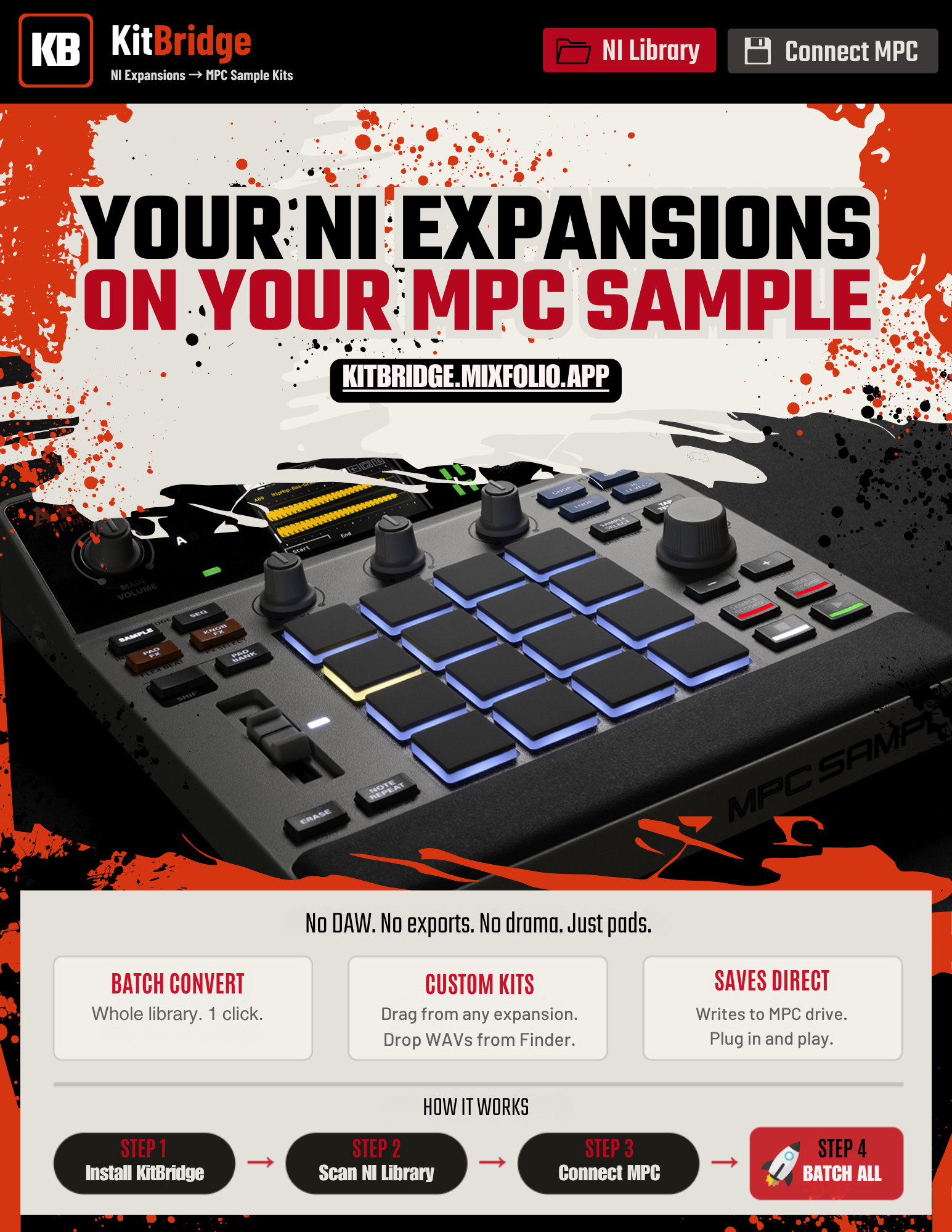
The 4-step workflow that converts your entire library in minutes
How the Kit Builder + Randomizer mixes samples across any expansion
What you get for the $19 launch price — and why it's one-time, not a subscription
If you own an MPC Sample and a Native Instruments Expansions library, you already know the problem: the kits are right there, you can hear them, you can browse them, but getting them onto the MPC means slow manual exports, batch-rendering in a DAW, or rebuilding kits by ear.
So we built the fix. It's called KitBridge, and it does one thing extremely well: convert your NI Expansion kits into ready-to-play MPC Sample projects in seconds.
What it does
Scans your NI Expansions folder and lists every kit instantly.
Converts kits to MPC Sample projects (.xpj) with full sample data and trim points read straight from the NI source — no editing required.
All 8 banks (A–H, 16 pads each) load on the unit and play immediately.
Batch converts your entire library with one click.
It also lets you build custom kits
Beyond batch conversion, KitBridge doubles as a fast kit builder:
Drag samples from any expansion onto any pad.
Drag WAV files straight from Finder/Explorer onto pads (up to 30s / 50MB each).
Drop multiple files at once — they fill pads 1→16 automatically.
Mix samples from different expansions into one project.
Swap pads within a bank or drag them across banks.
Kit Builder / Randomizer
Set a category per pad — Kick, Snare, Hat, Perc, Bass, FX — and let KitBridge auto-build kits from your library. Lock the pads you love. Hit Randomize to reshuffle the rest across all your expansions. Each pad shows the expansion the sample came from, so you can trace any sound back to its source.
How it ships your projects
Save to MPC — writes directly into your connected MPC Sample
Projectsfolder.Save Project Folder — saves anywhere on your computer.
Batch All — converts everything, auto-named by expansion.
Mixed expansions in one project? They land in a clean Mixed Kits set.
How to use it in 4 steps
Open KitBridge (Mac or Windows).
Click NI Library — select your Expansions folder.
Click Connect MPC — open your MPC Sample drive and select the
Projectsfolder.Click a kit to load it, or hit Batch All to convert everything. Eject, plug into your MPC Sample, play.
Pricing
One-time payment. No subscription. License is bound to one machine; transfers are free — just email us when you upgrade computers.
$19 launch price through June 30.
$29 after.
Free updates within v1.x for life.
Mac (Apple Silicon) and Windows 10/11.
Why we built it
MixFolio exists to remove friction from a music workflow. KitBridge is the same idea applied to gear instead of admin — your samples are stuck in one ecosystem (NI), your hardware is in another (Akai), and the bridge between them shouldn't cost you an afternoon. Now it doesn't.
Stop rebuilding NI kits by hand.